Adewale Abati
Staff Developer Advocate
View all authors

Orchestrate complex workflows across multiple agents with goose

· 6 min read
Adewale Abati
Staff Developer Advocate

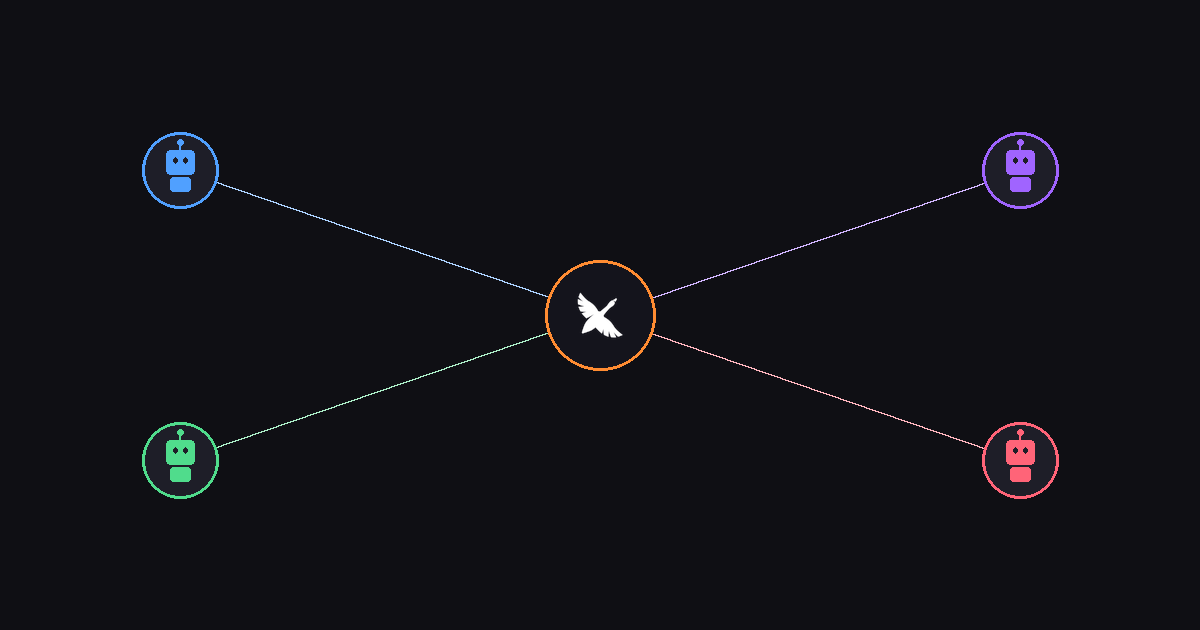
goose orchestrating multiple agents like a conductor

A lot of people prompt their agents one task at a time — "do this, now do that, now do the next thing." It works, but it's slow. Many people also want their agents doing many things at once: researching while coding, reviewing while testing, writing docs while refactoring.

That's what orchestration gives you. Instead of feeding goose one task at a time and waiting, you can have it coordinate multiple agents working in parallel — each focused on a specific piece of the puzzle, with goose keeping everything on track.
Beyond the Terminal: goose Controls Your Desktop with Peekaboo

· 6 min read
Adewale Abati
Staff Developer Advocate

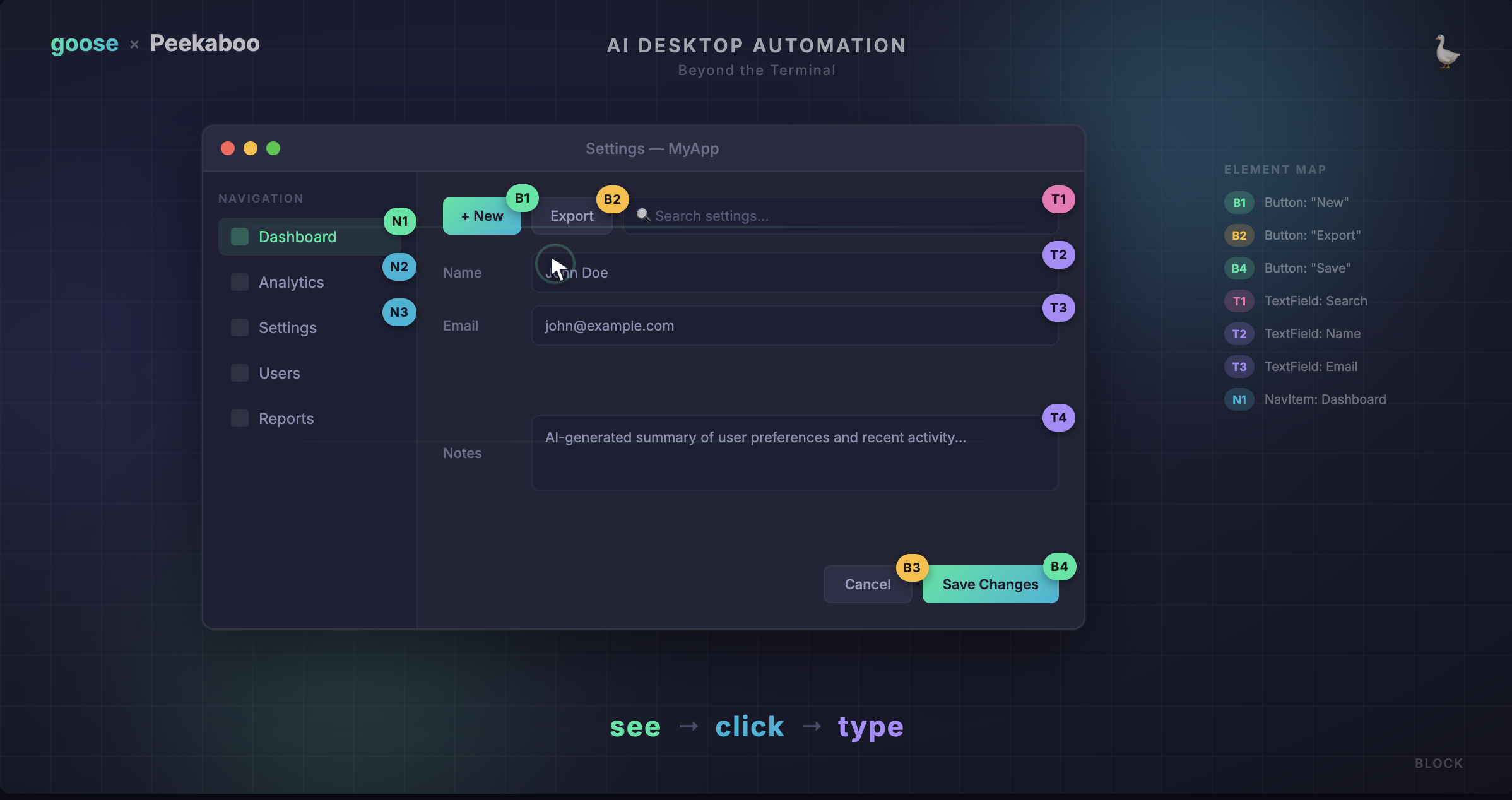
goose controlling a Mac desktop with annotated UI elements

Most AI agents live in the terminal. They can read files, run commands, and write code — but ask them to click a button in a web app or fill out a form, and they're stuck. They can't see what's on screen, and they certainly can't interact with it.

With v1.26, goose broke out of the terminal. The Computer Controller extension was rebuilt from the ground up with Peekaboo, a macOS CLI tool for screen capture and GUI automation. This gives goose eyes and hands for the desktop — it can see annotated screenshots, identify UI elements, click buttons, type text, scroll, drag, and navigate menus across any application on your Mac.

Private by Default: Built-in Local Inference Models with goose

· 6 min read
Adewale Abati
Staff Developer Advocate

blog cover

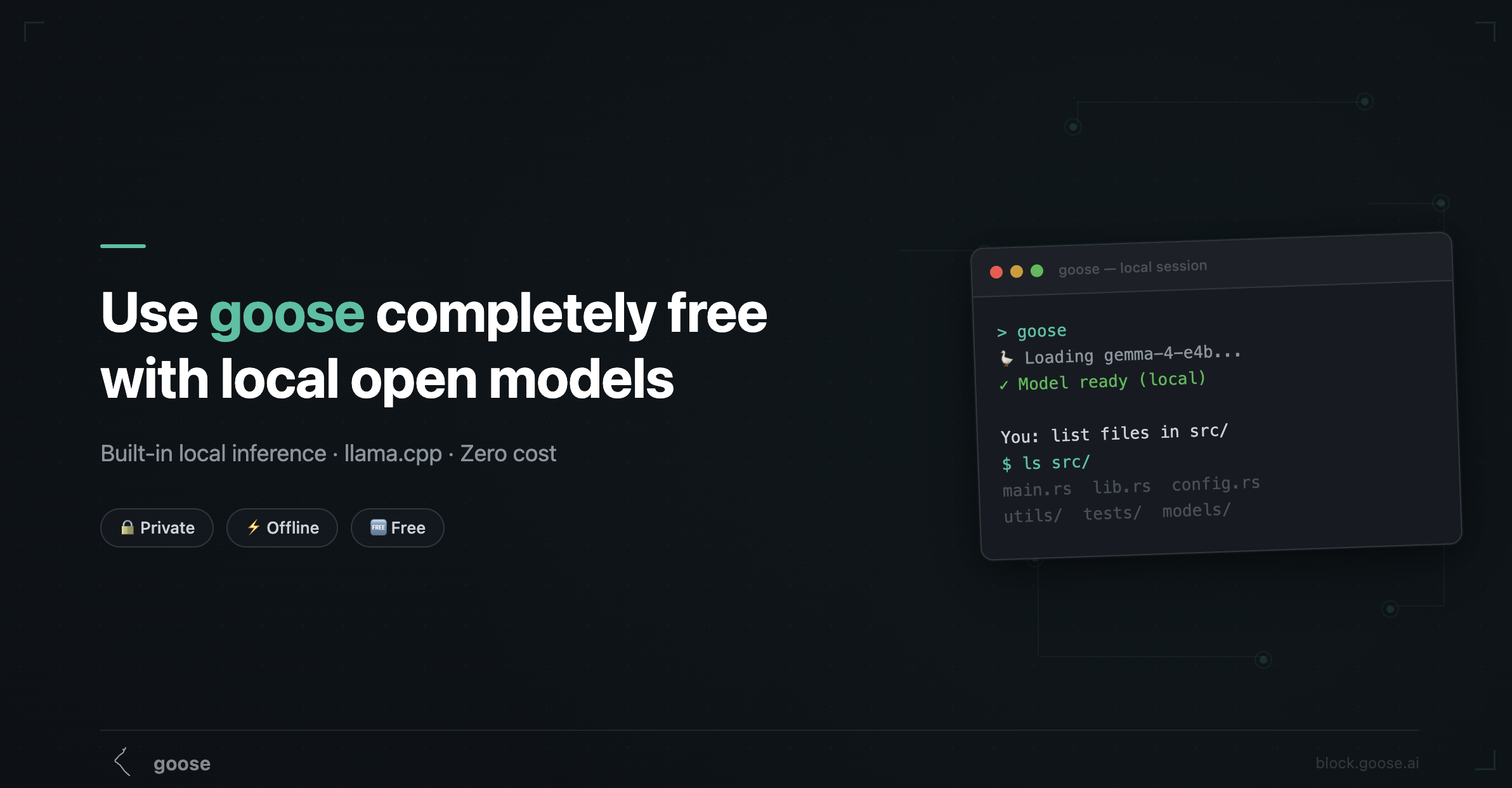
You can now run local models with goose directly on your machine. No Ollama, no Docker, no external server — just entirely within goose. We shipped built-in local inference powered by llama.cpp, and it's already available today in the desktop app.

This is the completely free, zero-dependency path to using goose. Your code never leaves your machine, there's no API key to manage, and it works offline. Here's what the experience looks like, which models to pick, and where the rough edges still are.

Top 5 MCP Servers I Use as a Developer with Goose

· 6 min read
Adewale Abati
Staff Developer Advocate

blog cover

As a developer, finding the right tools that seamlessly work together can feel like discovering a superpower. And when you have a working process, it can sometimes be difficult to try out new tools.

With the introduction of MCPs, AI agents like Goose are able to plug in to my existing tools, and the only thing that changes with my workflow is that much welcomed automation that comes with it. I still do the same things I do, but backed by AI, I can now do them faster and with more confidence.

Today, I'm excited to share not just my favorite MCP servers, but the ones I actually use almost everyday with real applications that you can probably relate to as well.

Vibe Coding with Goose and the Speech MCP

· 4 min read
Adewale Abati
Staff Developer Advocate

blog cover

Imagine creating an app just by describing what you want out loud, like you’re talking to a friend. That’s the magic of vibe coding: turning natural language into working code with the help of an AI agent. And while typing a prompt gets the job done, saying it out loud hits different 🔥 The new Speech MCP server has quite literally entered the chat.

Introducing codename goose

· 3 min read
Adewale Abati
Staff Developer Advocate

Introducing codename goose

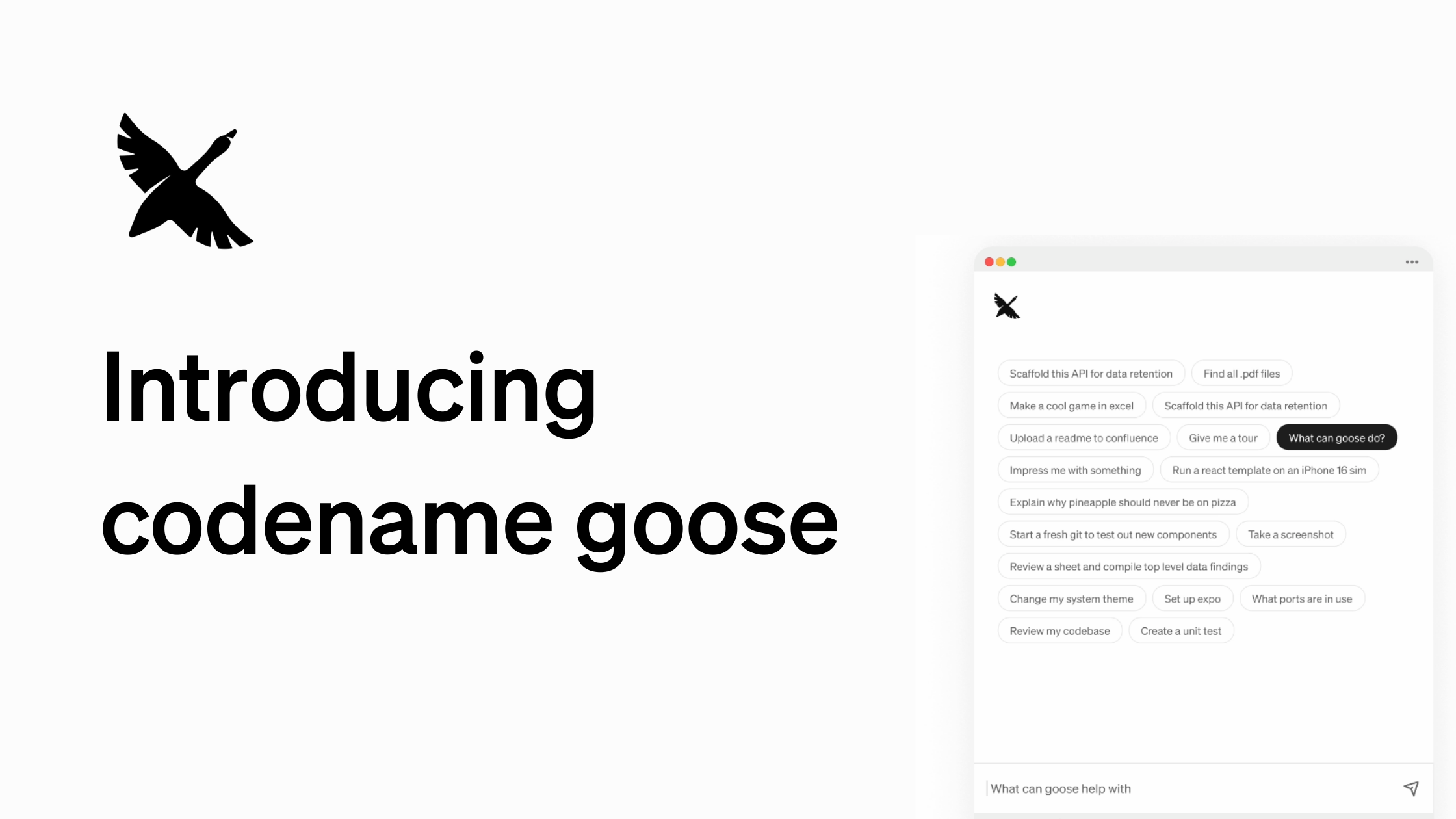
We are thrilled to announce codename goose, your on-machine, open source AI agent built to automate your tasks.

Powered by your choice of large language models (LLMs), a user-friendly desktop interface and CLI, and extensions that integrate with your existing tools and applications, goose is designed to enhance your productivity and workflow.

Previewing goose v1.0 Beta

· 3 min read
Adewale Abati
Staff Developer Advocate

goose v1.0 Beta We are excited to share a preview of the new updates coming to goose with goose v1.0 Beta!

This major update comes with a bunch of new features and improvements that make goose more powerful and user-friendly. Here are some of the key highlights.